
What does literature tell us about this topic?

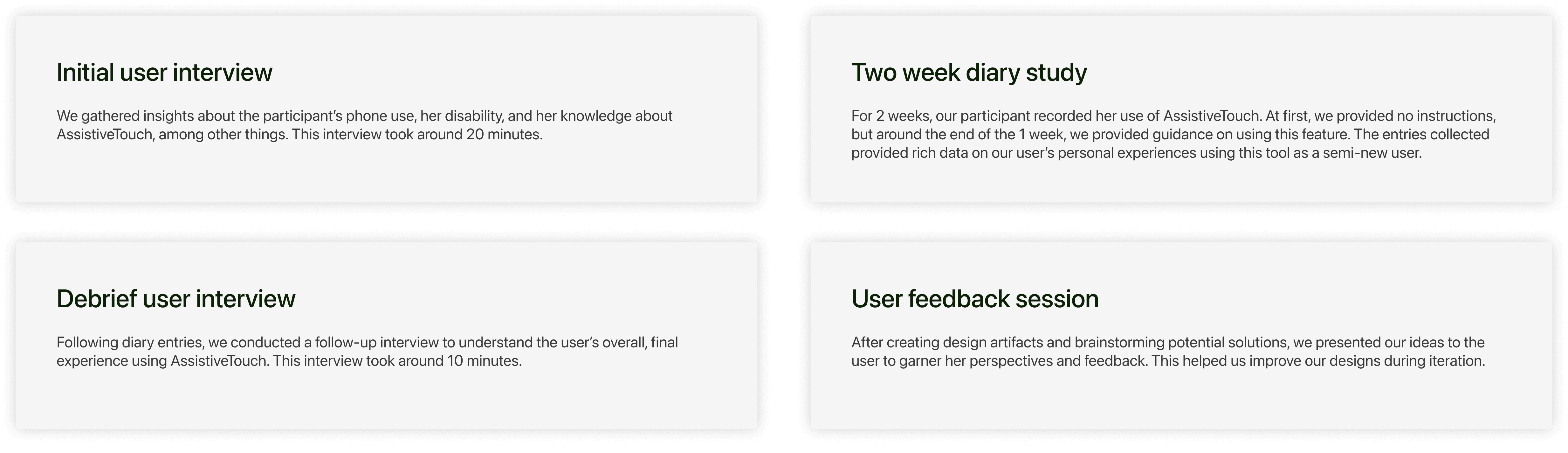
Through a combination of literature reviews, user interviews, and a diary study, we were able to identify major challenges with this accessibility feature.
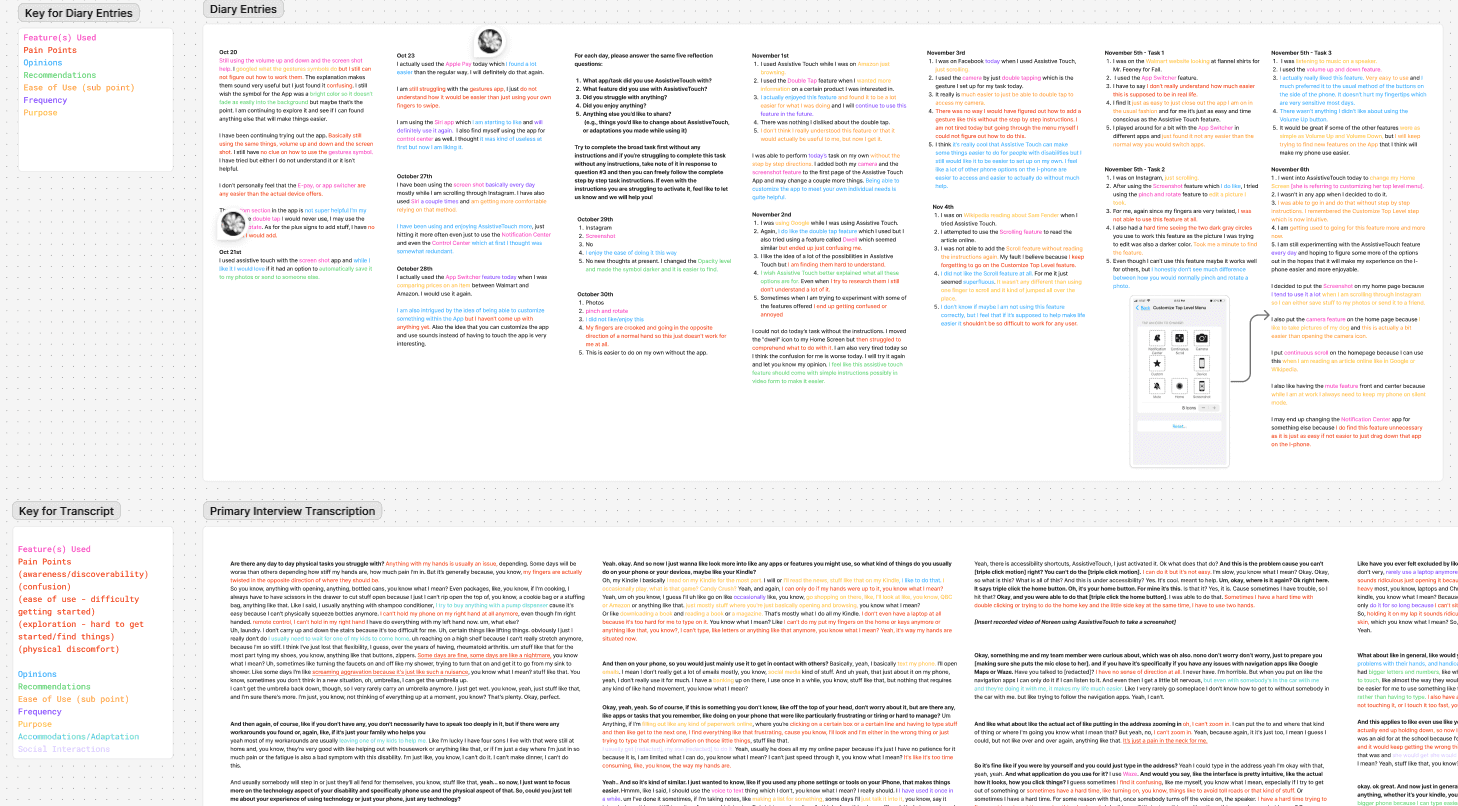
“Why don’t they talk about this as a feature when you get a phone?”
“I would have been on this years ago... I’ve never seen anybody mention it.”
“I am also intrigued by the idea of being able to customize something within the App but I haven’t come up with anything yet.”
“I was not able to add the Scroll feature without reading the instructions again. My fault I believe because I keep forgetting to go on the Customize Top Level feature.”
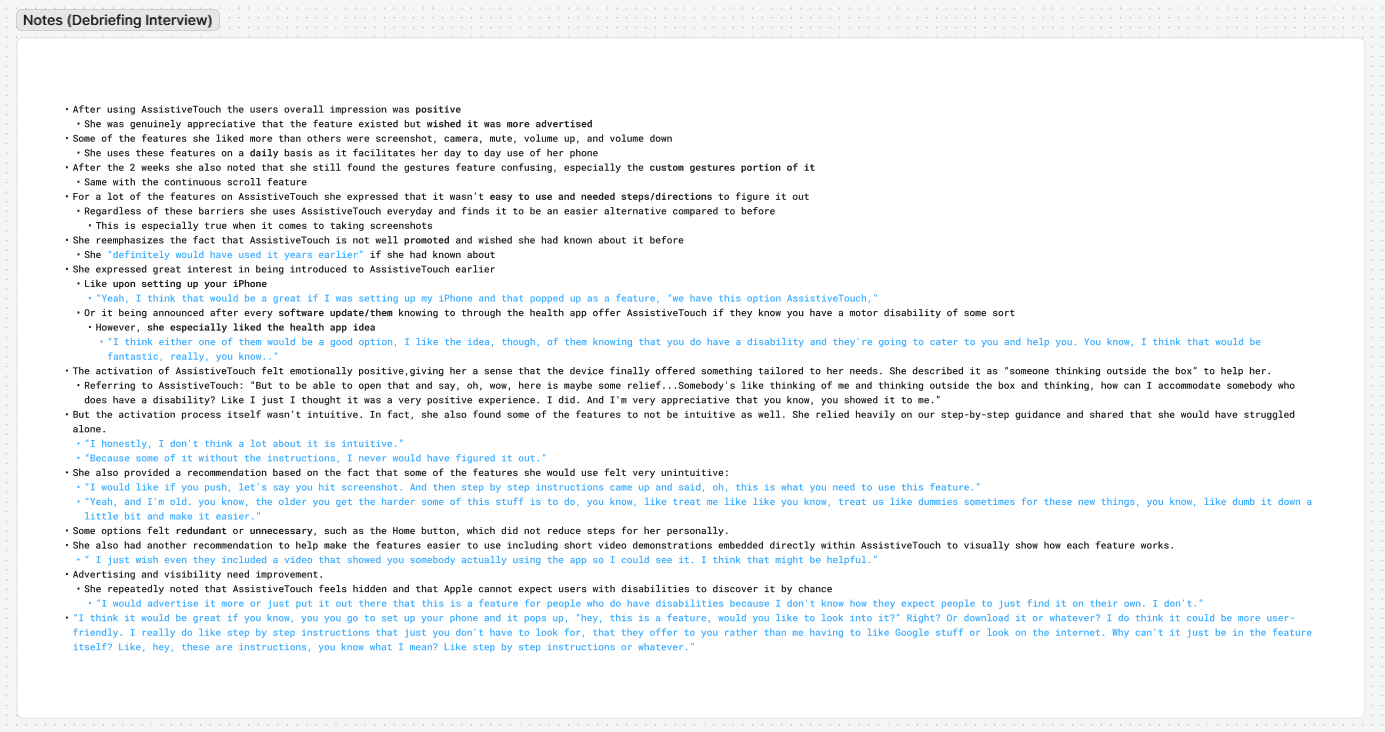
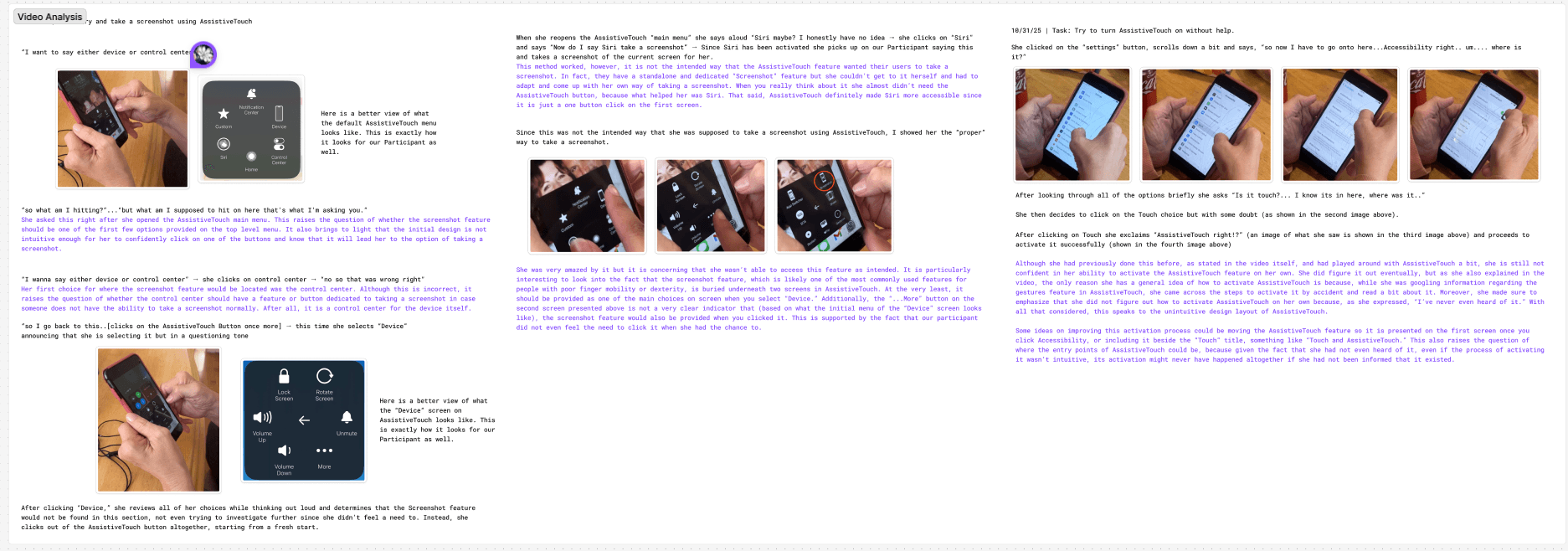
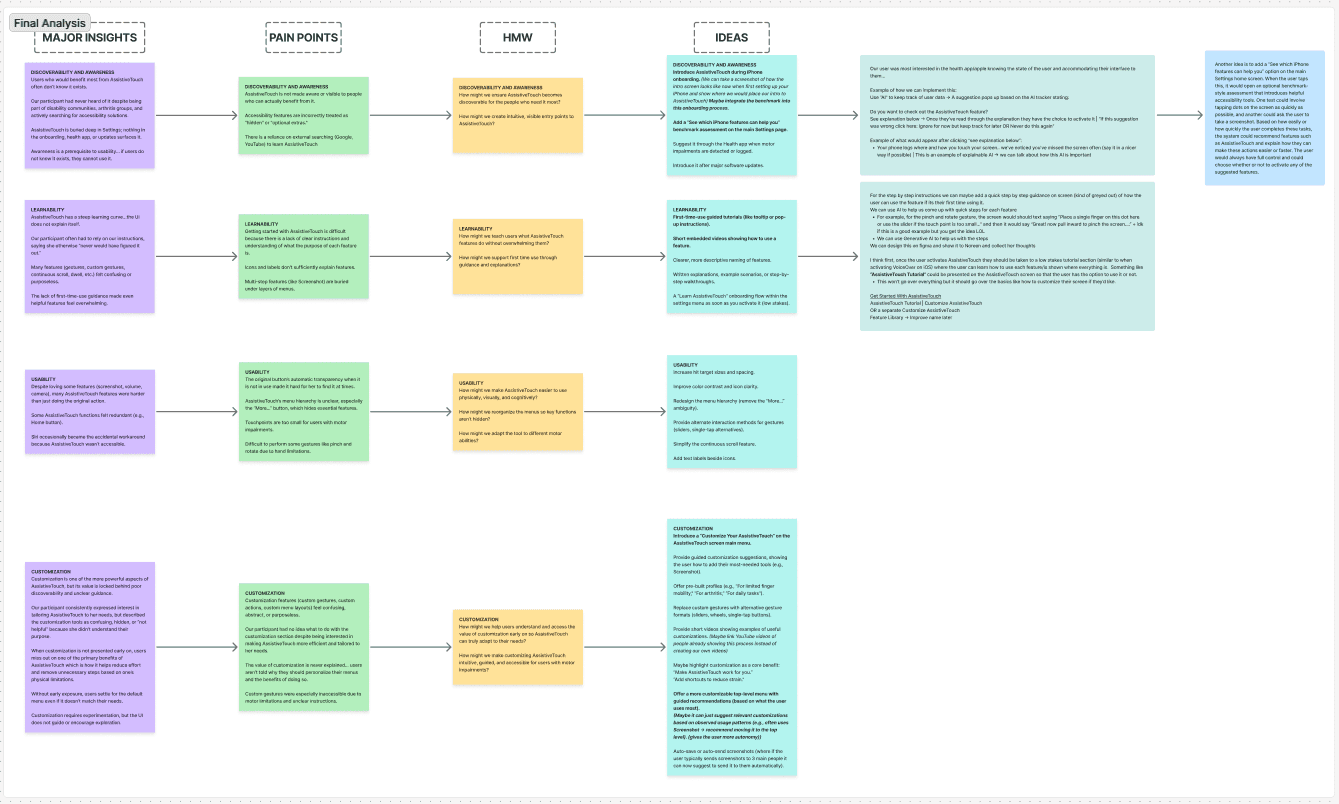
How might we make AssistiveTouch easier to find, learn, and personalize so that users with motor impairments can benefit from it with less effort and greater confidence?
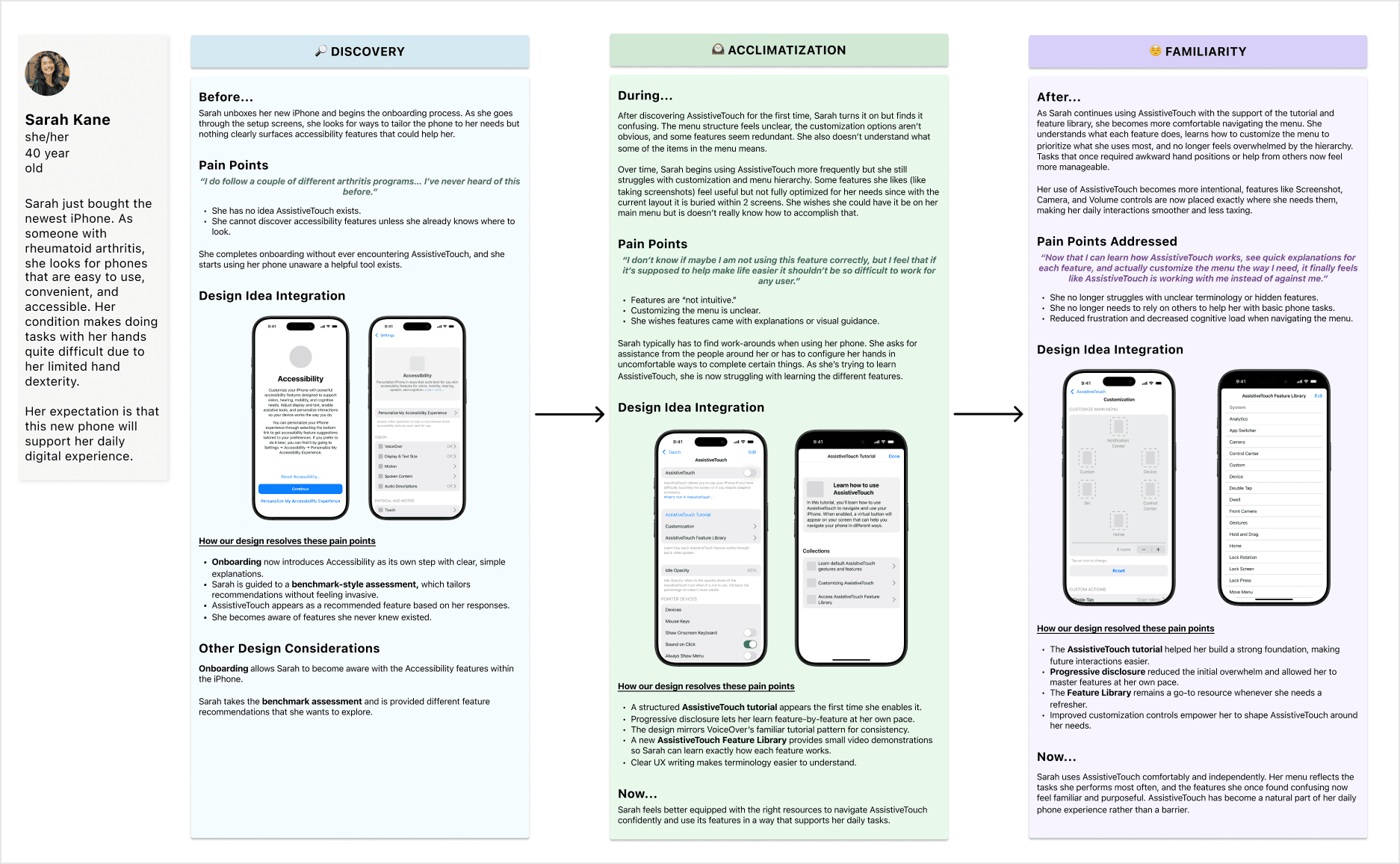
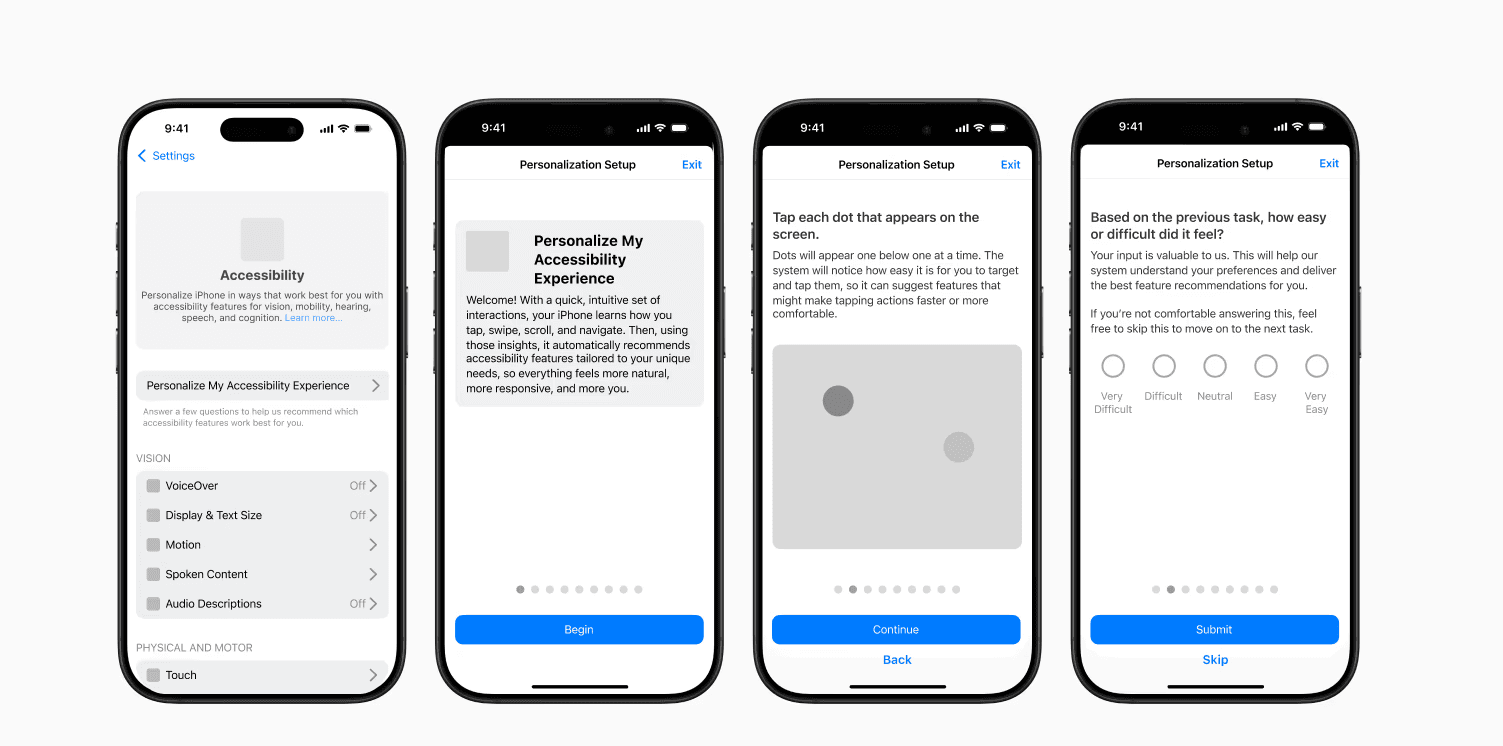
iPhone onboarding process
Through a benchmark style assessment
During phone software updates
Within the Health app
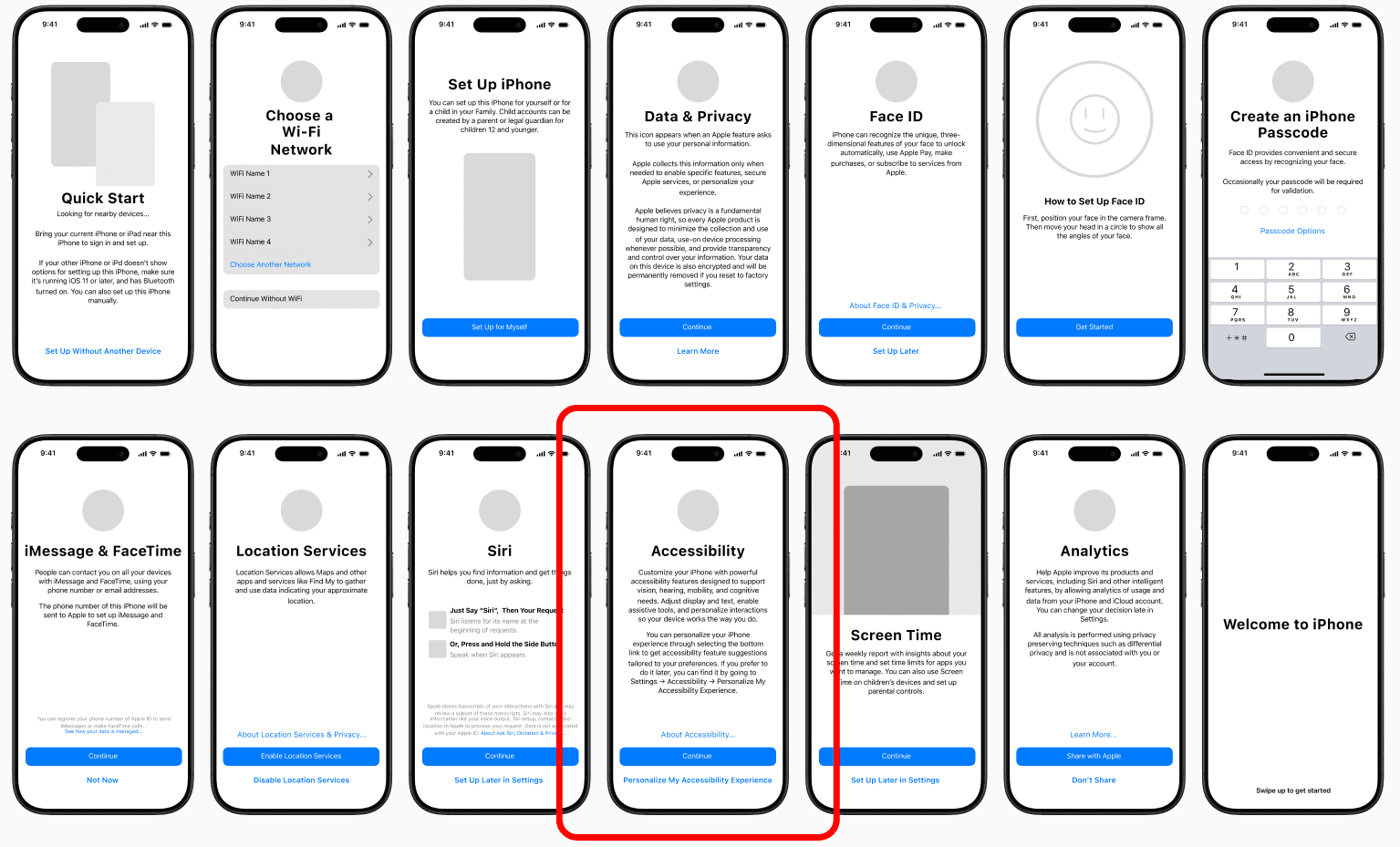
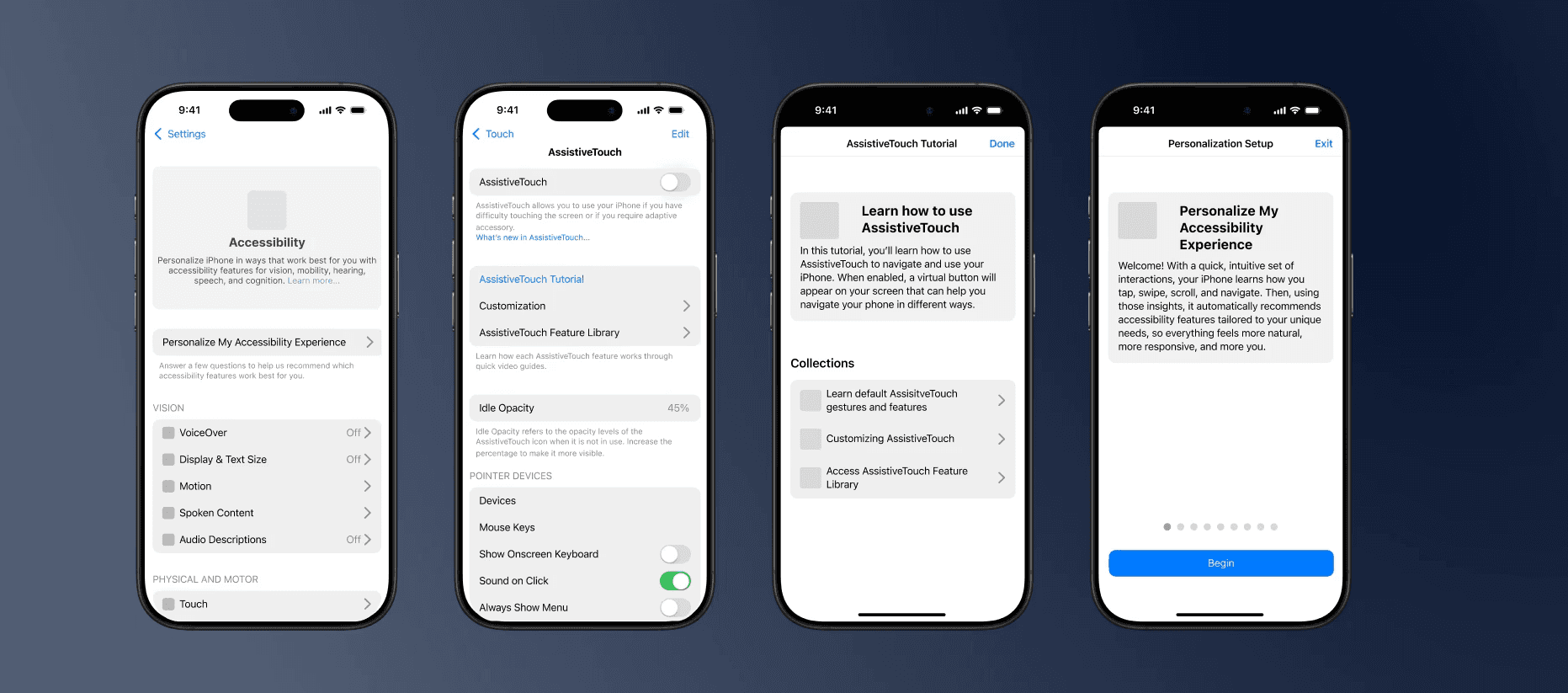
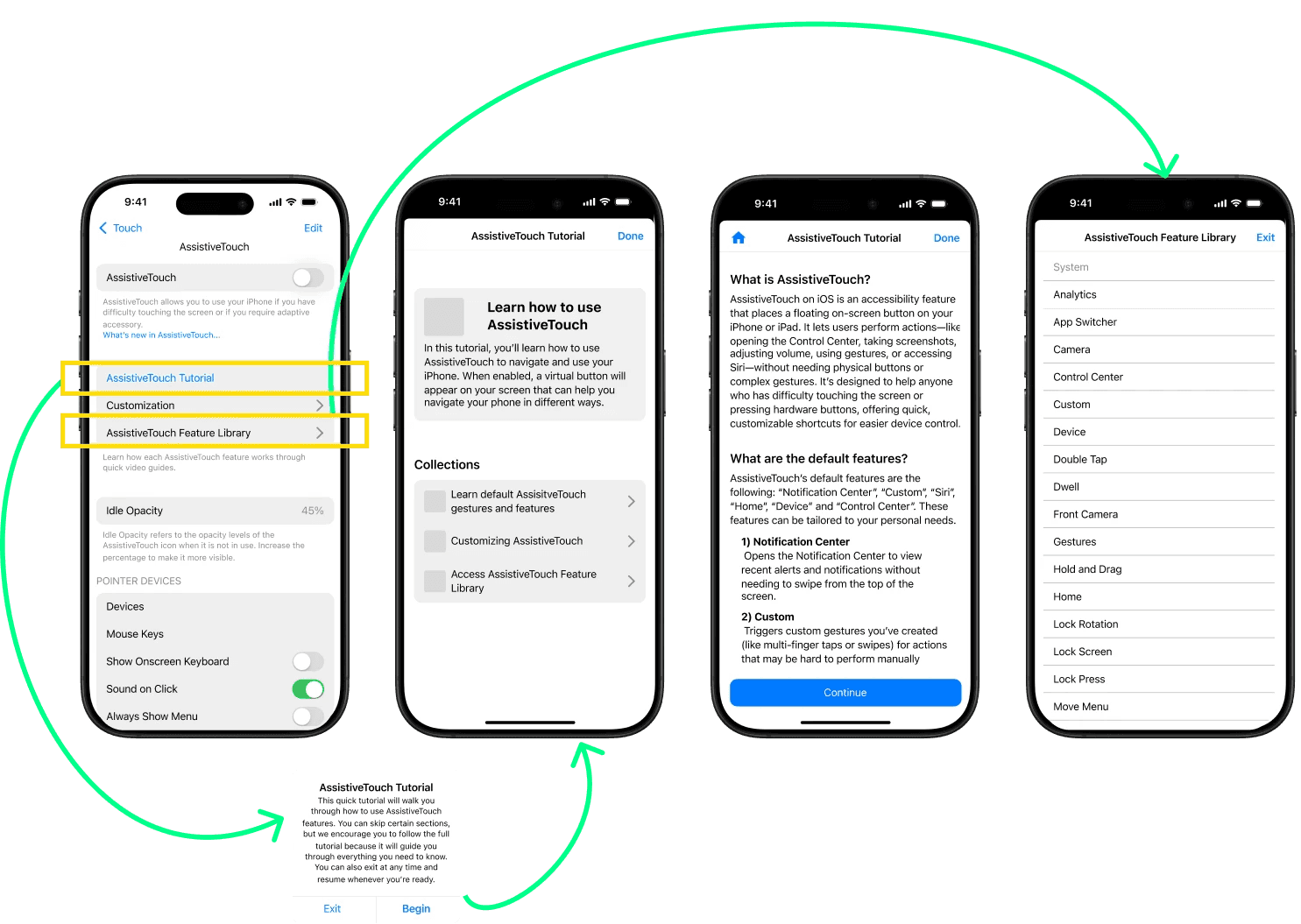
AssistiveTouch tutorial to provide a walkthrough of the features
Introduce a feature library with a detailed description of all the features
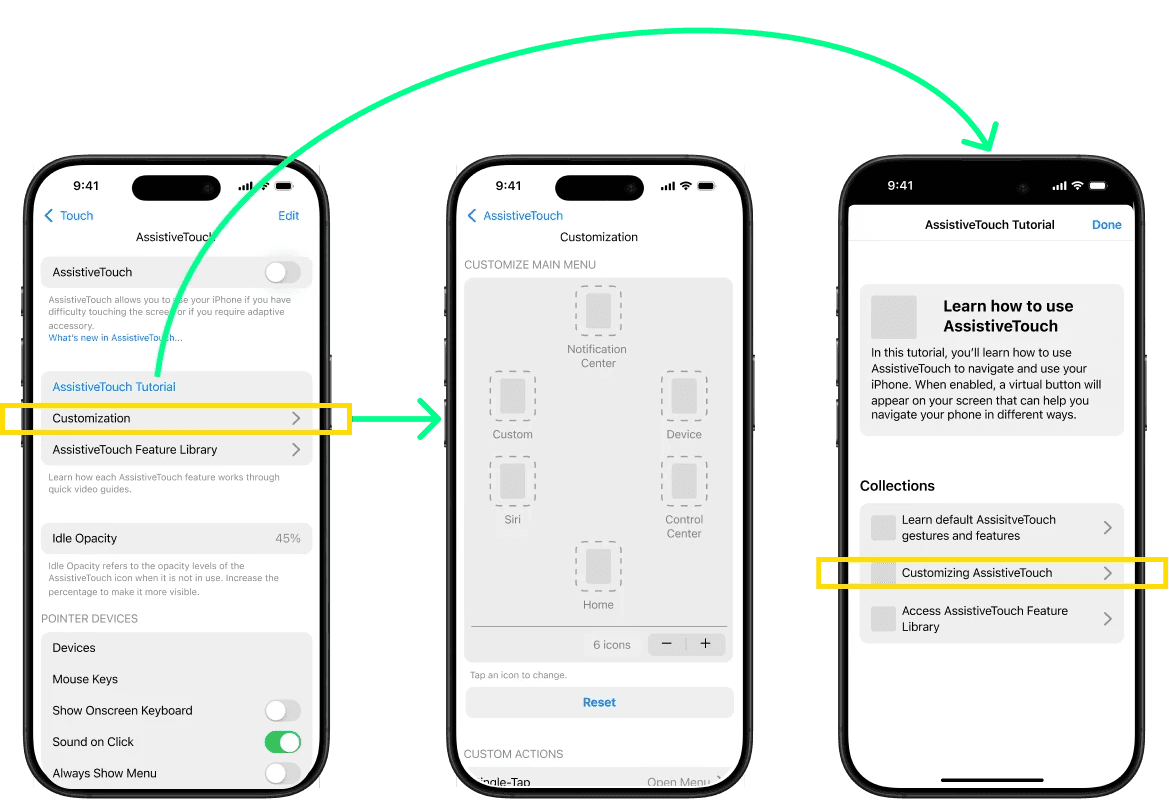
Reorganize the customization settings into a separate, structured screen
Incorporate a designated customization section in the AssistiveTouch walkthrough
Our study and design explorations identified a significant need for additional research into existing assistive technologies. It is important to critically assess the value and impact of these solutions to determine if they meet the needs of their intended user group and deliver meaningful benefits. As designers and researchers, we have a responsibility to surface what already exists, strengthen what has been overlooked, and ensure that accessibility is not an afterthought but an everyday experience that truly supports the people it was created for.
NYC/NJ
Made with 🩷, ☕, 🎧
2026